TESCO (Tribal Electric Supply Company) serves the merged districts of Khyber Pakhtunkhwa that were formerly FATA — including Khyber, Bajaur, Mohmand, Kurram, Orakzai and North and South Waziristan. Metered TESCO consumers can check their electricity bill online with the reference number.
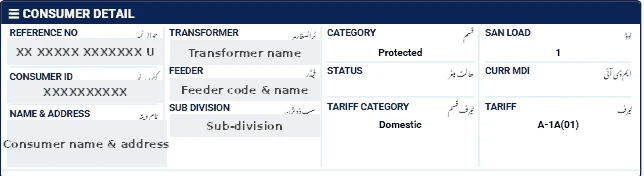
Before you start
Many areas in TESCO territory historically received electricity on flat-rate or unmetered arrangements, and metering is still being expanded. If you do not receive a regular bill with a 14-digit reference number, your connection may not be available on the online portal. Contact your local TESCO office to confirm.
Steps to check a TESCO bill
- Open our bill checker and select TESCO.
- Enter your 14-digit reference number.
- Click Check Official Bill to open the official PITC TESCO page.
- View, print or save the bill as PDF.
What to verify
- Meter reading: compare the present reading with your meter.
- Tariff: make sure your connection is billed under the correct category.
- Arrears: confirm all previous payments are credited.
If the TESCO bill does not open
- Enter exactly 14 digits, without spaces or the final letter.
- Make sure TESCO is selected; a reference number works only on its own company's page.
- The official portal can be slow near due dates — try again after a few minutes.
- New connections appear only after the first bill is issued.
Ways to pay the bill
- Mobile banking and internet banking apps of most Pakistani banks (look under "Utility Bills" → "Electricity").
- Mobile wallets such as JazzCash and Easypaisa.
- Bank branches and post offices before the due date.
Keep the payment confirmation until the next bill shows the amount as paid.
Help
Call 118 to report faults, or visit your nearest TESCO office with your bill and CNIC for billing questions.